Learning the art of creating Strong Passwords Without Making Them Difficult to Manage is the single most effective way to secure your digital footprint without losing your mind. Most people rely on simple, repetitive patterns that are easily compromised in a modern data breach.
By shifting your approach from memorization to automation, you can adopt high-entropy security standards that remain invisible to your daily workflow. This article provides the blueprint for building a secure, sustainable identity system that protects your accounts against credential stuffing and brute-force attacks while saving you from the frustration of constant password resets.
The Core Strategy: Relying on Password Managers
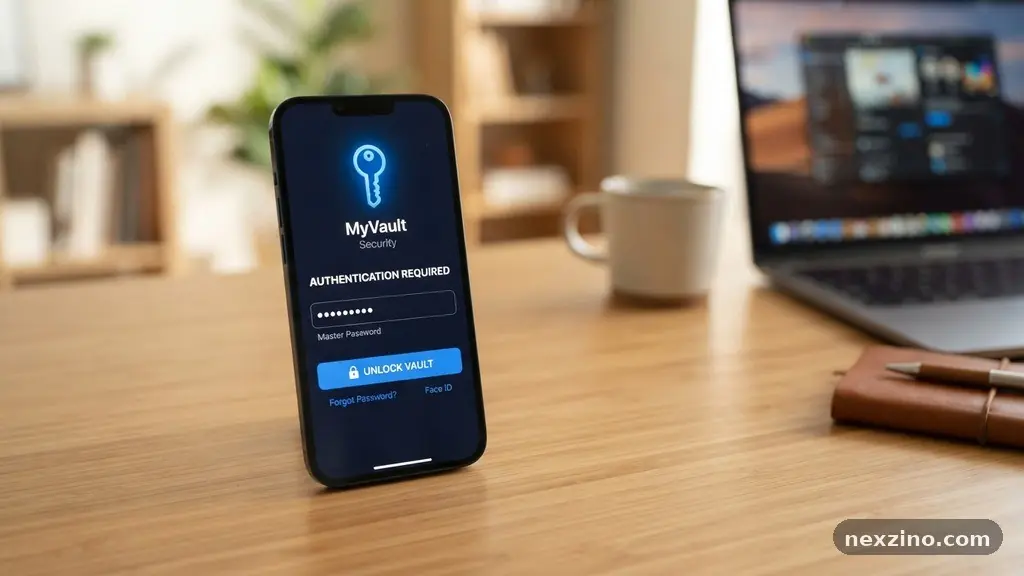
The most practical method for creating Strong Passwords Without Making Them Difficult to Manage involves offloading the burden of memory to a dedicated vault. A reputable password manager acts as an encrypted container for all your login credentials, allowing you to use unique, complex strings for every single account.
You only need to remember one master password, which acts as the key to your entire digital collection. Because this tool handles the storage and retrieval, you are free to generate strings that would be impossible for a human to memorize.
Most modern managers utilize a zero-knowledge architecture, meaning the provider cannot see or access your data. When you use these tools, you are protected against phishing because the software will only autofill credentials on the specific domain it recognizes.
If you land on a malicious clone of your bank’s website, the manager will not offer to log you in. This layer of security is a silent guardian that works in the background of your browser and mobile device.
Understanding Entropy and Complexity
Security experts often talk about entropy, which is essentially a measure of how unpredictable a password is. A high-entropy password is not necessarily a random collection of characters like “Xy7#b9@2”; it can also be a long, coherent passphrase that is difficult for a computer to guess.
Computers excel at guessing short, common patterns, but they struggle when faced with long sequences of words or characters. By combining random words or using a long string, you exponentially increase the time required for a brute-force attack to succeed.
When you use a password generator, you are creating high-entropy strings that satisfy even the most stringent requirements of financial and government websites. These generators can create 32-character strings that look like gibberish to a human but are impenetrable to automated software.
You do not need to understand the math behind the entropy to benefit from it. You simply need to let the machine build the sequence while you focus on protecting your master password.
The Power of Passphrases
If you must occasionally create a password manually, such as for your master key, consider using a passphrase instead of a complex string. A passphrase is a sequence of four or five unrelated words, such as “Correct-Battery-Staple-Purple.”
This approach is surprisingly secure because it creates a massive search space for attackers while being easy for you to type and visualize. The human brain is wired to remember stories and images, not random character substitutions.
You can mix numbers and symbols into your passphrase to further harden it, but the length is the most critical factor. Aim for at least 15 to 20 characters in total length to ensure you are well above the threshold of common cracking attempts.
Avoid using famous song lyrics, quotes, or personal information like birthdays or pet names, as these are the first things a hacker will test. A truly strong passphrase is one that is unique to you and holds no logical connection to your public profile.
Implementing Multi-Factor Authentication
Creating Strong Passwords Without Making Them Difficult to Manage is only half the battle; you must also enable multi-factor authentication (MFA) whenever possible. MFA adds a second layer of defense that requires something you have, like a physical security key or a code from an authenticator app, in addition to your password.
Even if a bad actor manages to steal your password in a data breach, they still cannot access your account without that second factor. This is often referred to as two-factor authentication, and it is the standard for modern cybersecurity.
| Security Method | Primary Strength | User Effort |
|---|---|---|
| Password Manager | Unique, complex strings | Low (after setup) |
| Multi-Factor Auth | Prevents unauthorized access | Medium (requires device) |
| Passphrases | Easy to remember | Low |
| Biometric Auth | Instant access | Very Low |
Many services now support hardware keys, which are physical devices you plug into your computer or tap against your phone. These are significantly safer than SMS-based codes, which are susceptible to SIM-swapping attacks.
By combining a long, unique password with a hardware security key, you create a fortress that is nearly impossible to breach remotely. This setup is the gold standard for anyone concerned about their digital identity.
How to Manage Your Digital Identity
Organization is the key to maintaining your security posture over the long term. You should audit your accounts annually, deleting old profiles you no longer use and updating credentials for any services that have suffered a breach.
You can check if your email has been compromised through various public databases, which helps you prioritize which accounts to secure first. Keeping a clean house ensures that you aren’t leaving “zombie” accounts open that could serve as backdoors into your current data.
* Use a dedicated, complex password for your email account, as it is the gateway to resetting all your other passwords.
* Enable biometric authentication on your mobile devices to gain quick access to your password manager.
* Avoid using single sign-on (SSO) options like “Login with Facebook” for sensitive accounts, as this ties your security to a third party.
* Keep your password manager software updated to the latest version to ensure all security patches are applied.
By following these habits, you move from a state of constant anxiety about password hygiene to a state of calm confidence. You aren’t just creating passwords; you are building an infrastructure that supports your life without demanding your constant attention.
Common Mistakes to Avoid
Many people inadvertently weaken their security by attempting to follow “best practices” that have become outdated. For instance, the old advice to change your password every 90 days is now discouraged by many security researchers, including the National Institute of Standards and Technology.
Frequent, forced updates often lead to users creating weak, predictable variations of their old passwords, such as adding a “1” or “!” to the end. It is much better to have one very strong, unique password that you keep indefinitely than to have a rotation of weak ones.
Another mistake is reusing passwords across different sites. If one site has a data breach, hackers will immediately test those same credentials on high-value targets like your bank or email provider. This is the foundation of credential stuffing, where attackers use automated bots to spray stolen username and password pairs across the web.
You must ensure that every single one of your digital accounts uses a distinct, high-entropy password. If you find this overwhelming, you are likely not leveraging a password manager effectively.
FAQ: Securing Your Accounts
What if I forget my master password?
Most password managers provide a “recovery key” or a set of emergency access protocols when you first sign up. You should print this code or store it in a physical safe, as it is often the only way to regain access if you lose your master key. Without this, your data is permanently locked.
Is it safe to store passwords in a browser?
While modern browsers have improved their encryption, they are generally less secure and less feature-rich than dedicated password managers. A dedicated manager works across all your devices and browsers, whereas browser-based storage is often siloed and lacks the advanced auditing features of professional security software.
Can I use my fingerprint for everything?
Biometric authentication is an excellent way to unlock your password manager, but it should not be your only line of defense. It serves as a convenient gatekeeper for your vault, but your actual account passwords must remain complex and distinct to ensure security if your device is compromised.
What is the biggest threat to my passwords today?
Phishing remains the most common threat, where attackers trick you into typing your password into a fake site. By using a password manager that only autofills on trusted domains, you effectively negate the risk of being fooled by these deceptive tactics.
Closing Thoughts on Digital Security
Creating Strong Passwords Without Making Them Difficult to Manage is a achievable goal that transforms your relationship with technology. By embracing the power of automation and shifting your mindset toward long-term, sustainable habits, you can protect your data without the burden of constant memorization. Start by choosing a reliable password manager, enabling multi-factor authentication on your most sensitive accounts, and letting go of the outdated advice that forced you to create weak, repetitive passwords.
Your security does not need to be a chore. When you treat your credentials as part of a managed system, you regain control over your digital life.
Take the first step today by auditing your email account and ensuring it is shielded by a unique, high-entropy passphrase. You will find that once these systems are in place, your digital footprint becomes significantly safer, allowing you to focus on the things that actually matter in your daily life.